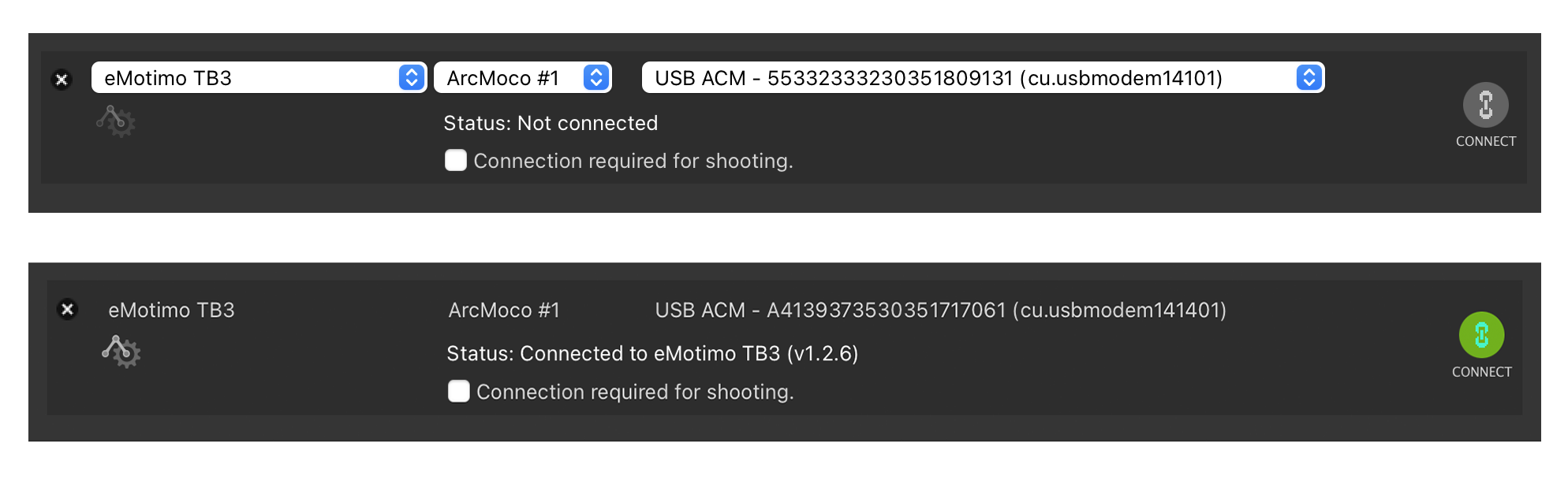
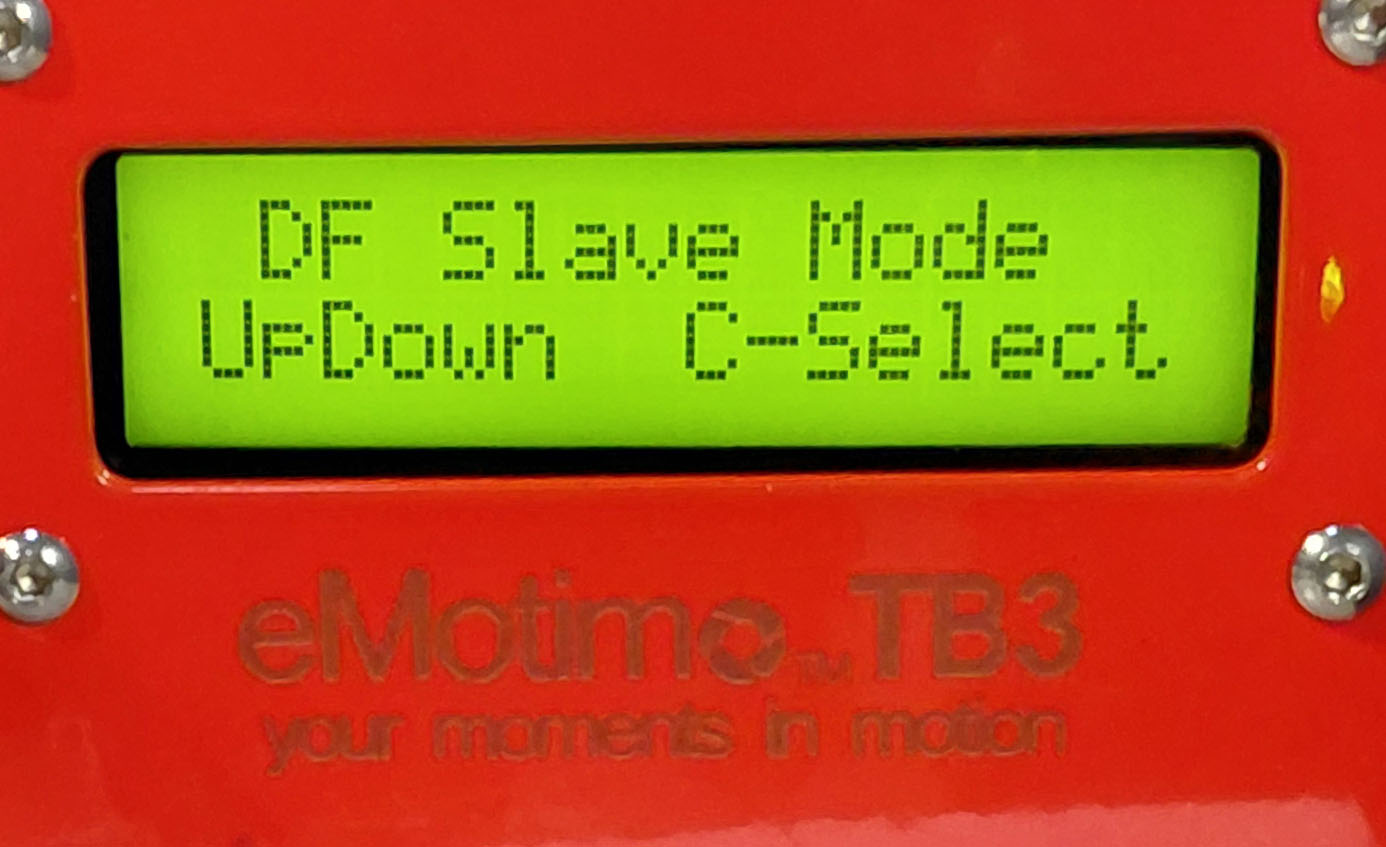
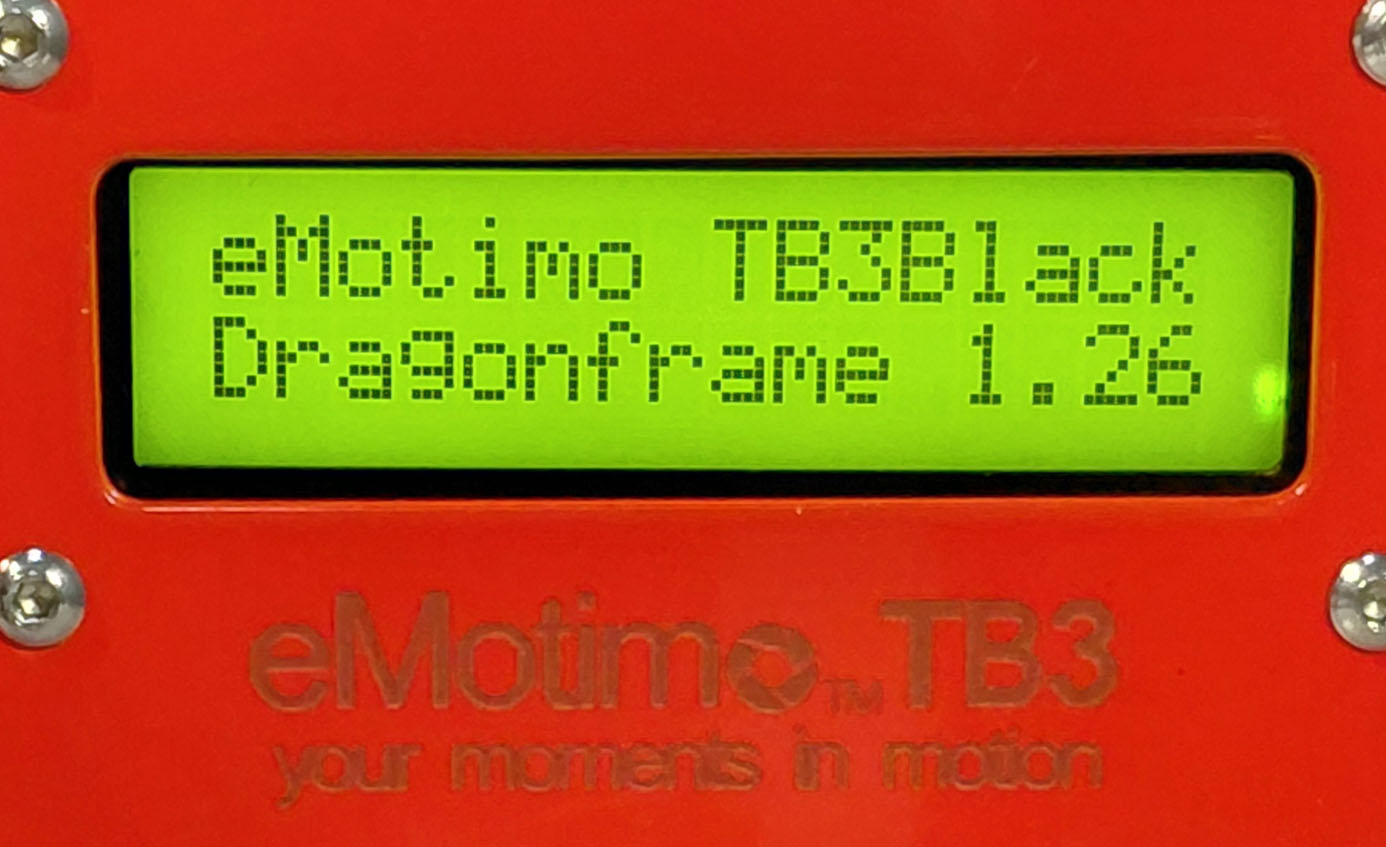
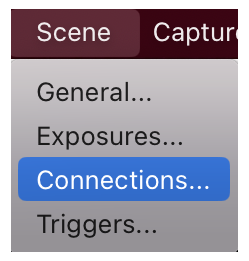
- Open the Connections window in Dragonframe from Top Menu/Scene/Connections or from the on-screen prompt.

- Click on the Grey Connection button and it will turn green. If the Connection button is green already leave it alone.
The TB3 LED menu should be lit up if the power is on. A cable USB from the TB3 should be connected to the computer.
Step 1: Confirm Emotimo/USB Connection in Dragonframe.
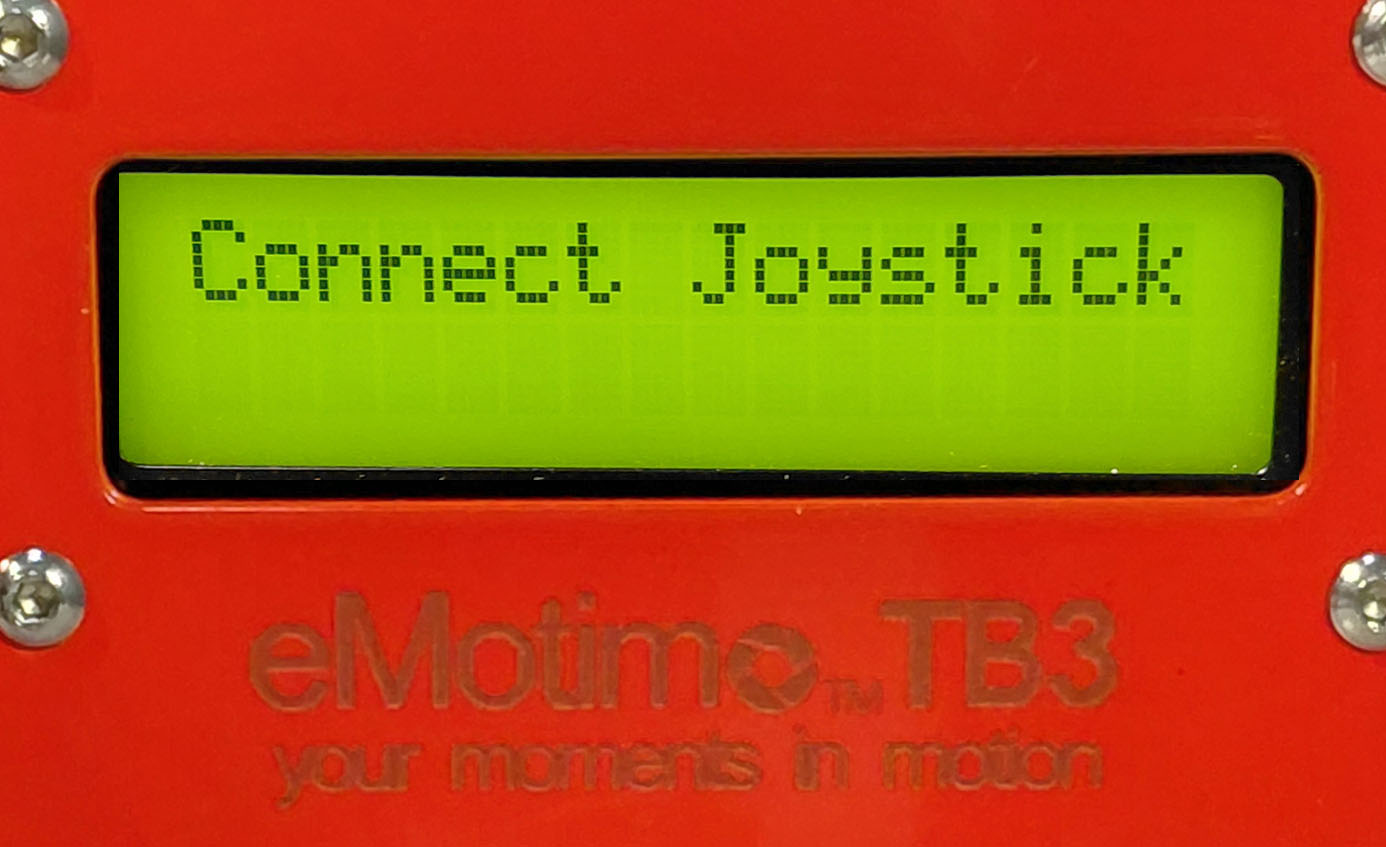
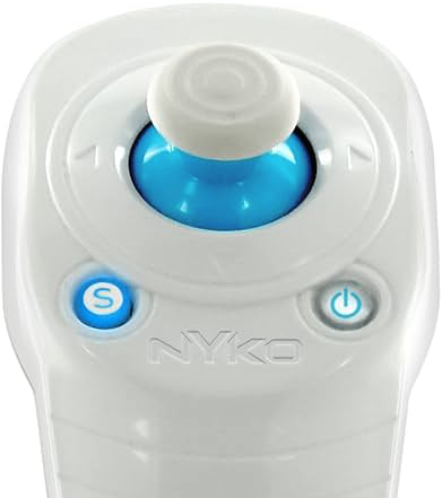
Step 2: Connect Joy Stick: You only need to do this if the LED menu says *** CONNECT JOYSTICK ***. Otherwise, skip to Step 3.
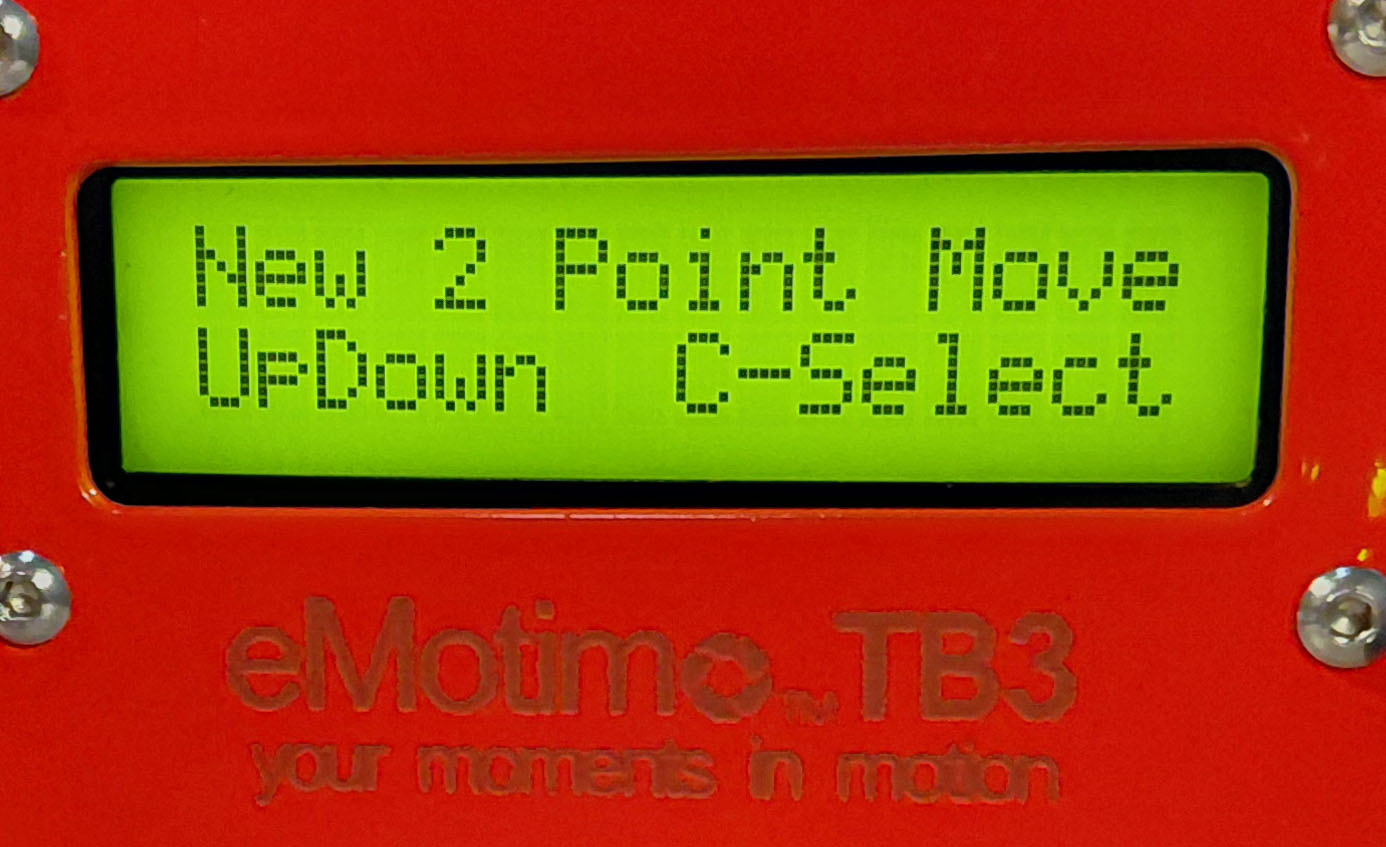
Step 3: Choose DF Slave Move: Jump to this step if the LED Menu reads "Set up 2-point camera move"
Step 4: Double Check the Connections. Note: You may need to repeat this cycle a couple of times for the connection to take.
Step 5: Close the Connection Window.